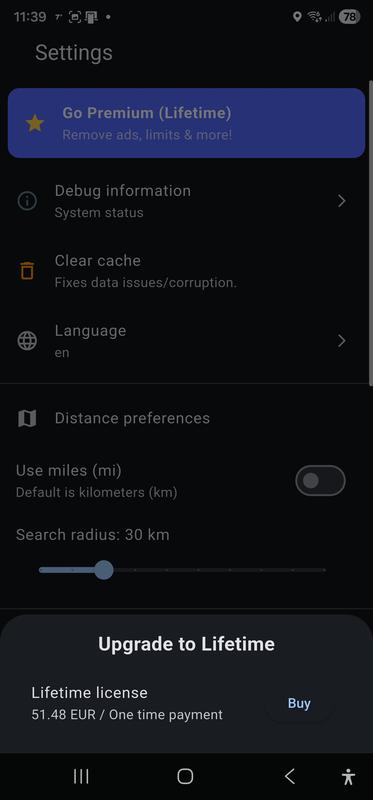
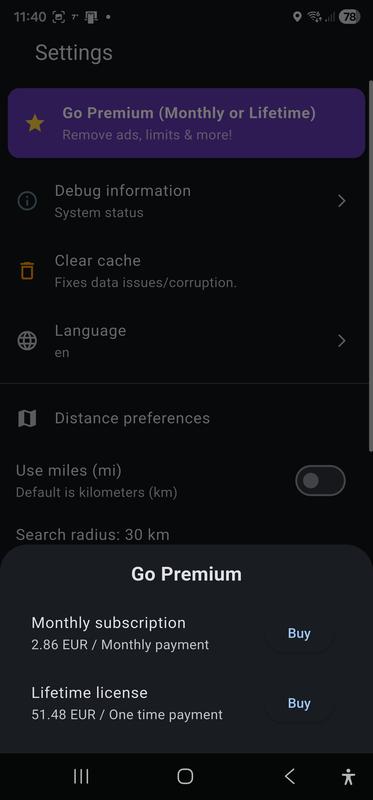
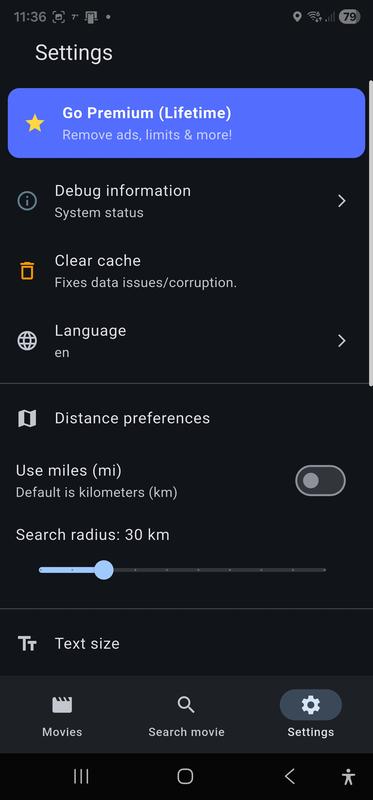
The Settings screen lets you customize your app experience. From here you can manage your subscription, access debug information useful to the Support team just in case you need it, clear the cache, change your language, set the radius within which to search for the nearest cinemas, set the preferred text size for movie information and the display mode for movies listed in the Movies, change the appearance of the app (theme and color, Premium feature);
Settings screen, Lifetime license mode, top
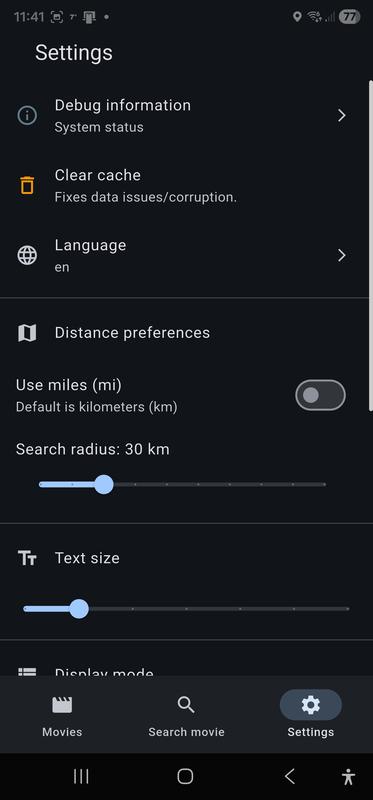
Settings screen, Lifetime license mode, bottom
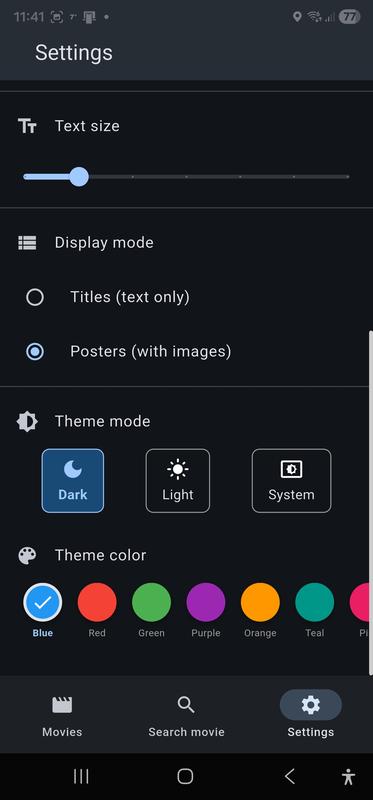
Settings screen, message from the Clear cache function
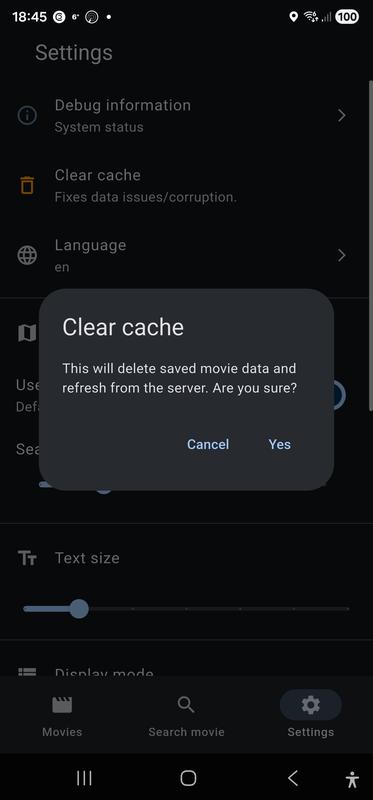
Settings screen, Free use mode
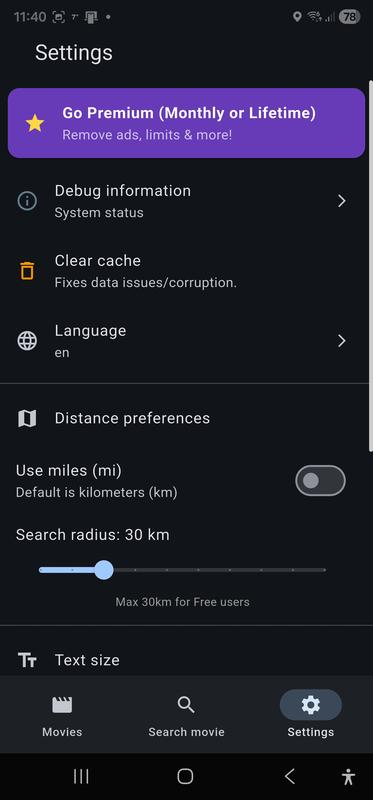
Settings screen, Free use mode, Purchase sheet open when the user chooses "Go Premium"
Settings screen, Monthly subscription mode
Settings screen, Monthly subscription mode, Purchase sheet open when the user chooses "Lifetime license"